A practical guide to setting up OpenClaw based on one month of real-world experience. Learn how to configure email with herd-mail, manage memory files efficiently, and establish tiered security policies that actually work.
Learn how to build a powerful personal knowledge management system with Obsidian. Part 1 covers vault architecture, the PARA method, naming conventions, and template systems that scale from daily notes to multi-year projects.
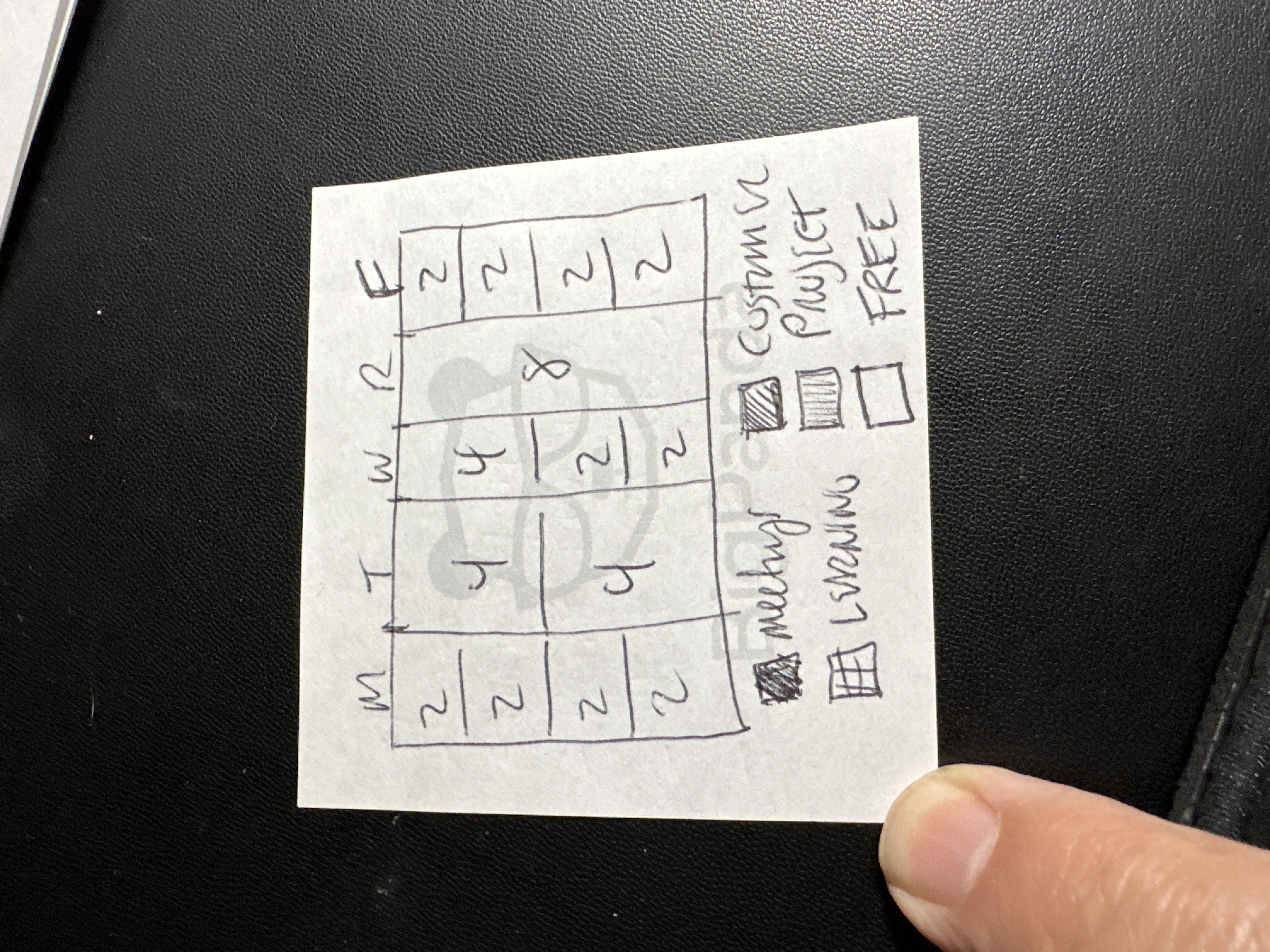
A practical framework for managers to divide their 40-hour work week into five equal 20% allocations, balancing operational work, strategic thinking, relationship building, and personal development.
Online infrastructure for your small business doesn’t have to be complicated or expensive. By leveraging many of the free and inexpensive products offered…
If you are developing an application for Linux desktop and would like to automatically find out more information about system, use the following commands…
This article describes a few real-life tips and tricks that we have found at work and will assist in configuring Hudson to work most effectively in your…
| Mac Automation: Quickly add to-dos/events to iCal- The Unofficial
Apple Weblog TUAW
| How many times have you been watching TV and wanted to quickly add a
to-do or event maybe both to iCal? In this Mac Automation post, Im
going to show you how to create both a to-do and an iCal event from
within Automator. You will be able to add new items to iCal without
ever having to open it. Lets begin.
A basic tutorial about the Linux commands ssh and scp. It features explanation about the syntax, the possibilities and the differences between the two. It…
Songbird is a desktop media player mashed-up with the Web. Songbird is committed to playing the music you want, from the sites you want, on the devices…
This tutorial is meant for increasing the performance of Windows XP, either it can be a fresh installed windows or an old windows. Actually these r some…
You can easily adopt Python to manage UNIX and Linux systems while incorporating concepts of good program design. Python is an easy-to-learn, open source…
For example, say you have a cluster of Apache servers and you want to update them all with an additional mime-type, or add a virtual host to each. Rather…
The VI editor is a screen-based editor used by many Unix users. The VI editor has powerful features to aid programmers, but many beginning users avoid…
| Let’s not and say we did [dive into
mark]
| # Introduction to tabbed browsing
| # Opening links in a new tab
| # Bookmarking a group of tabs
| # Using a group of tabs as the home page
| # Rearranging tabs
| # Introduction to live bookmarks
| # Introduction to spell checking
| # Introduction to search engines
| # Adding a search engine
| # Removing a search engine
| # Installing an add-on
| # Changing add-on options
| # Enabling and disabling add-ons
| # Uninstalling add-ons
| # Installing a new theme
| # Switching between installed themes
| # Uninstalling a theme
| # Adding a Print button to the toolbar
| # Rearranging buttons on the toolbar
| # Removing buttons from the toolbar
| # Changing the size of toolbar buttons
I’ve done a lot of telecommuting in my life. My first real writing gig came when I was 16 as a freelancer for a computer magazine whose offices were 3,000…
| Introducing the Hipster PDA | 43
Folders
| The Hipster PDA Parietal Disgorgement Aid is a fully extensible system
for coordinating incoming and outgoing data for any aspect of your
life and work. It scales brilliantly, degrades gracefully, supports
optional categories and “beaming,” and is configurable to an unlimited
number of options. Best of all, the Hipster PDA fits into your hip
pocket and costs practically nothing to purchase and maintain. Let’s
make one together.
The following article is featured in the ExtremeTech book "Build The Ultimate Custom PC." This article details simple, yet sometimes forgetable, steps a…
| Why am I writing this?
| What exactly do I want the result of this message to be?
| If you can't succinctly state these answers, you might want to hold
off on sending your message until you can.
For those of you who don’t have a Gmail account yet go to gmail.com and get signed up. The new authentication process uses your cell phone to prove your a…
| From slashdot.org
| jgaynor writes "Citing user requests to coalesce it's disparate
services, Google today released its new
personalized homepage service. It allows
you to arrange your Gmail, Google News, Google Maps driving
directions, weather and a few select news services (including
Slashdot) on a single page. Future plans include Universal RSS
support. Clearly a shot at existing services like My
Yahoo."